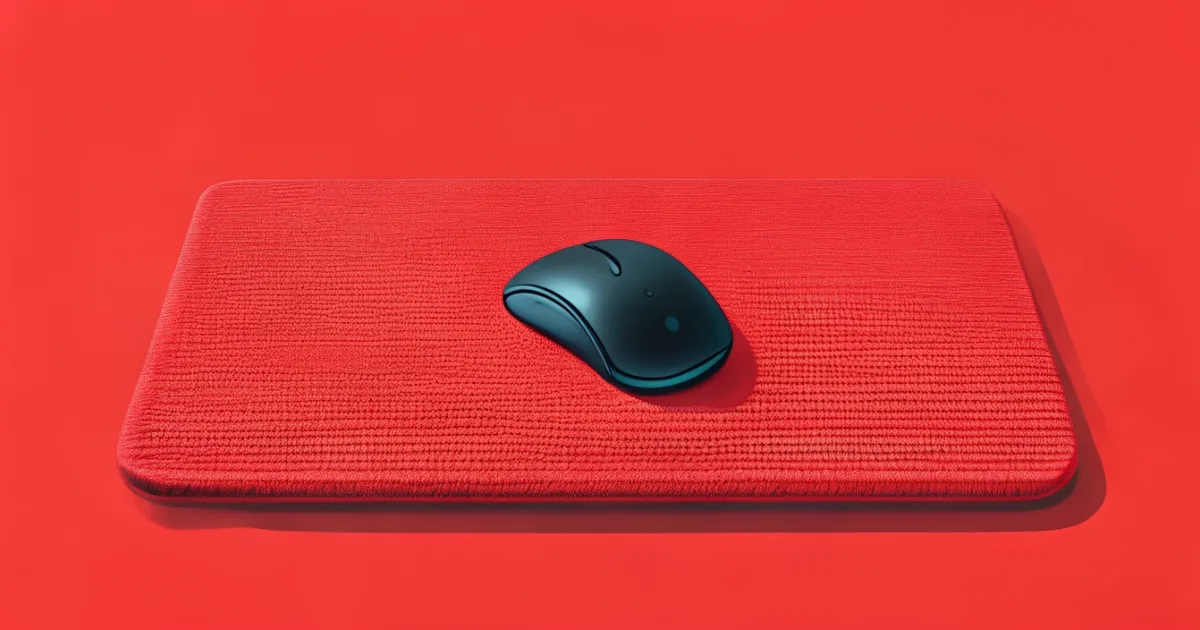
Non-Slip Rubber Desk Mat: Stability & Performance
Review of non-slip rubber desk mats that provide superior grip, prevent equipment movement, and ensure stable workspace performance.

Lena MartinezFriday, August 8, 2025
You've probably experienced that frustrating moment when your mouse slides just a bit too far, or your keyboard shifts during an important typing session. These small interruptions add up throughout your day, creating tiny moments of distraction and repositioning that break your workflow. Let's explore how a non-slip rubber desk mat can bring stability back to your workspace and help you maintain focus on what matters.
Why Surface Stability Matters
Your brain constantly processes sensory information about your workspace environment. When surfaces shift beneath your hands and equipment, even slightly, your nervous system must adjust muscle tension to compensate. This happens below your conscious awareness, but the cumulative effect contributes to fatigue and reduced precision over time.
Think about how you write on paper versus trying to write while holding the paper in your other hand. The stable surface allows your brain to focus entirely on letter formation rather than also managing paper movement. Your non-slip desk mat creates that same stable foundation for your digital work.
The Science of Rubber Grip
Rubber's non-slip properties come from its unique molecular structure. The material naturally increases friction when pressure is applied, creating a self-gripping effect that intensifies with weight. This means your equipment actually stays more securely in place as you work, rather than gradually sliding during extended use.
Different rubber compounds offer varying levels of grip and durability. Natural rubber provides excellent initial grip but can degrade over time, especially with exposure to sunlight. Synthetic rubber blends maintain consistent performance longer and resist environmental factors better. Many quality mats use hybrid materials that combine the best properties of both types.
The texture pattern matters too. Fine-grain textures create more surface area contact and stronger grip, while larger patterns provide easier cleaning but slightly less grip. For most desk applications, fine to medium textures offer the optimal balance between stability and maintenance.
Finding Your Perfect Fit
Your workspace deserves a mat that matches your actual needs, not someone else's. Start by measuring your primary work area—the space your keyboard and mouse typically occupy. Add a few inches of margin around this area for comfortable movement and to prevent equipment from sliding off the edges.
Consider your work style too. If you use large mouse movements for gaming or design work, you'll want more surface area than someone who primarily uses keyboard shortcuts and minimal mouse movement. Think about your biggest workspace frustration—running out of mouse room or equipment sliding—and let that guide your size choice.
Thickness affects both comfort and stability. Thinner mats (1-2mm) provide maximum surface contact with your desk, enhancing the non-slip effect. Thicker options (3-4mm) offer more cushioning but slightly reduced grip. For most people, 2mm provides the sweet spot between comfort and stability.
Creating Your Stable Workspace Setup
Getting the most from your rubber desk mat starts with proper placement. Clean your desk surface thoroughly first—even dust particles can create tiny gaps that reduce grip. Position the mat where you'll actually use it, not where you think you should use it based on some ideal workspace diagram.
Place your keyboard first, ensuring it sits naturally within your reach. Then position your mouse where your hand naturally falls when you're typing. The mat should support your actual work patterns, not force you into uncomfortable adjustments.
If you use multiple monitors, consider how you transition between them. Your mouse path should stay entirely on the mat surface. Some people benefit from larger mats that cover the entire area between primary work zones, creating a seamless surface for all movements.
Daily Habits for Maintaining Grip
Even the best non-slip mat performs better with simple care routines. Make it part of your weekly workspace maintenance to gently clean your mat's surface and underside. A damp cloth removes dust and oils that can reduce grip effectiveness over time.
Pay attention to how you place and remove equipment. Rather than sliding heavy items across the surface, lift them when possible. This protects both the mat surface and maintains the grip properties for longer.
If you notice reduced grip performance, check both surfaces. Clean your desk and the mat bottom first before assuming the mat has worn out. Often, accumulated dust is the culprit rather than material degradation.
When to Consider Replacement
Quality rubber mats typically last 2-3 years with regular use. You'll know it's time for replacement when you notice consistent sliding despite cleaning, or when the surface develops permanent compression marks from equipment weight.
Other signs include visible cracking, hardening of the material, or edges that no longer lay flat against your desk surface. These changes affect both comfort and grip effectiveness.
Beyond the Desk: Other Stability Solutions
Your non-slip rubber mat works as part of a complete stable workspace. Consider how other elements contribute to surface stability—monitor stands that don't wobble, chair mats that stay put, and keyboard trays that remain solidly positioned.
These small stability improvements compound throughout your day. Each prevented moment of equipment shifting or repositioning saves mental energy that you can redirect toward your actual work.
Making the Change That Works for You
Starting with a quality non-slip desk mat represents one of those small changes that deliver outsized benefits. You might not notice dramatic immediate results, but over weeks and months, you'll experience fewer interruptions and maintain focus more easily.
Begin with proper placement and see how your workspace feels. Adjust based on your actual experience rather than theoretical best practices. The perfect setup is one that supports your natural work patterns while eliminating those tiny frustrations that add up over time.
Your workspace should work with you, not against you. Sometimes the smallest physical changes—like adding stable surface support—create the biggest improvements in your daily comfort and productivity.